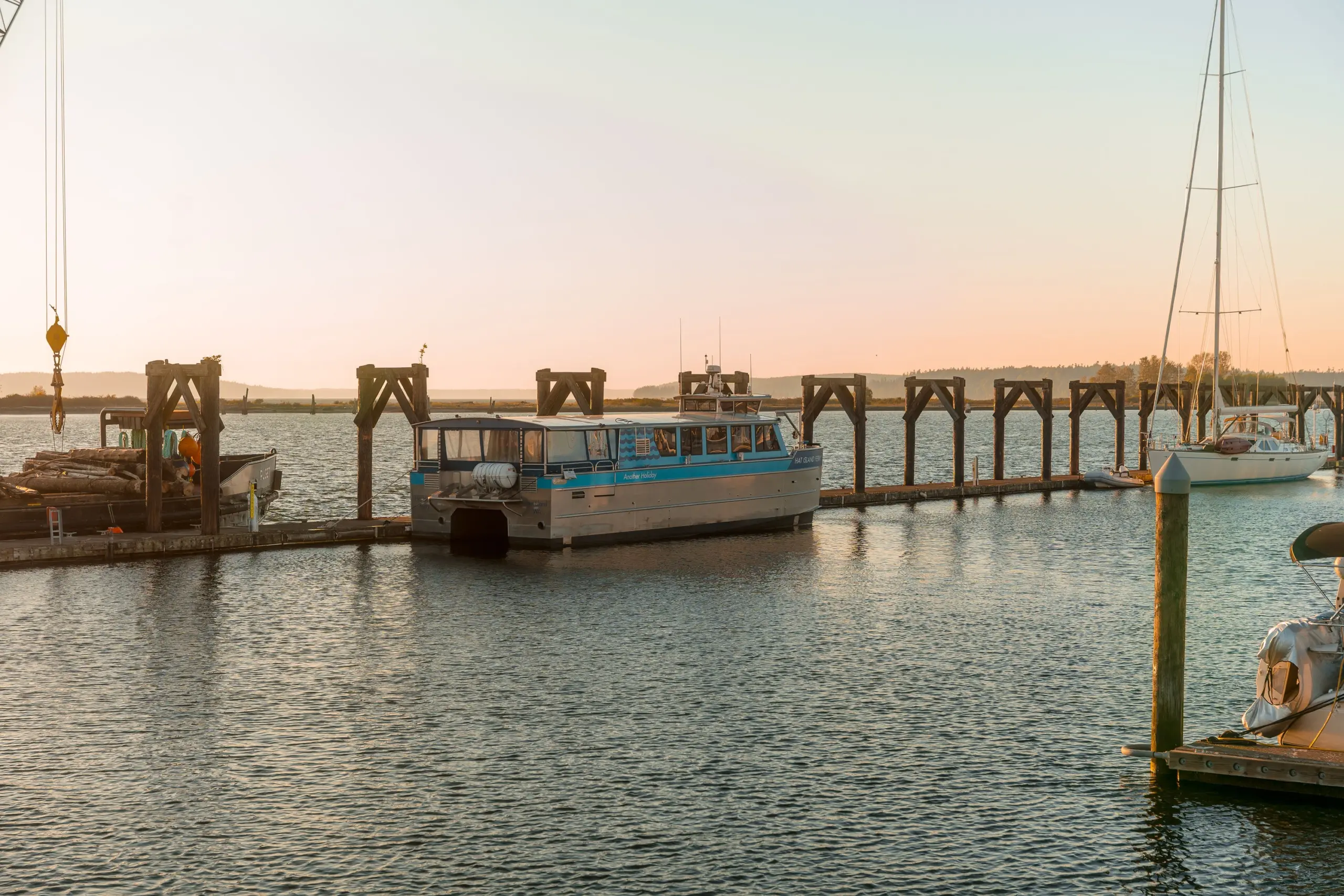
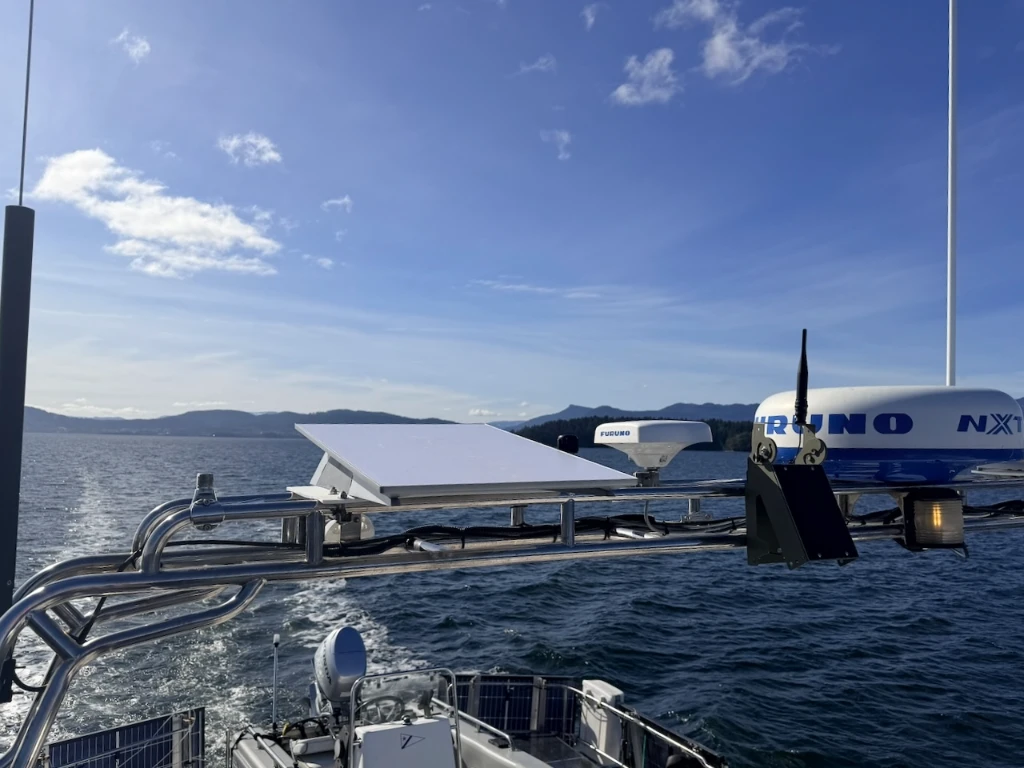
Image: Starlink mounted. Photos by Steve Mitchell.
I use Starlink as my primary internet connection aboard Aruna, a 50′ steel pilothouse trawler, every single day to run a business, stay in touch, and keep the boat monitored. Long ago, I stopped treating connectivity as optional and started approaching it the way I approach any critical system aboard: Understand it, maintain it, and have a backup ready. That shift happened when I stopped relying on a single connection and built a redundant system. If you’re heading north into British Columbia (BC) this summer, here is what that setup looks like and what you need to do before you leave the dock.
Starlink as your foundation
If you’re not on Starlink yet, the current lineup makes the entry point easier than ever. The Standard Gen3 dish is the sweet spot for most cruisers, with good speeds and a hardware cost that has come down considerably from the early days. The Performance Gen3 is the high-end option if you want a DC power supply and marine-grade components. The Starlink Mini is worth considering if you are tight on deck space or power budget.
What Starlink is not is a set-and-forget service. Pricing has changed multiple times in 2026 alone, plans have been restructured, and new requirements have been added for cross-border travel. Keeping an eye on those changes while also having a backup is necessary.
Travel registration
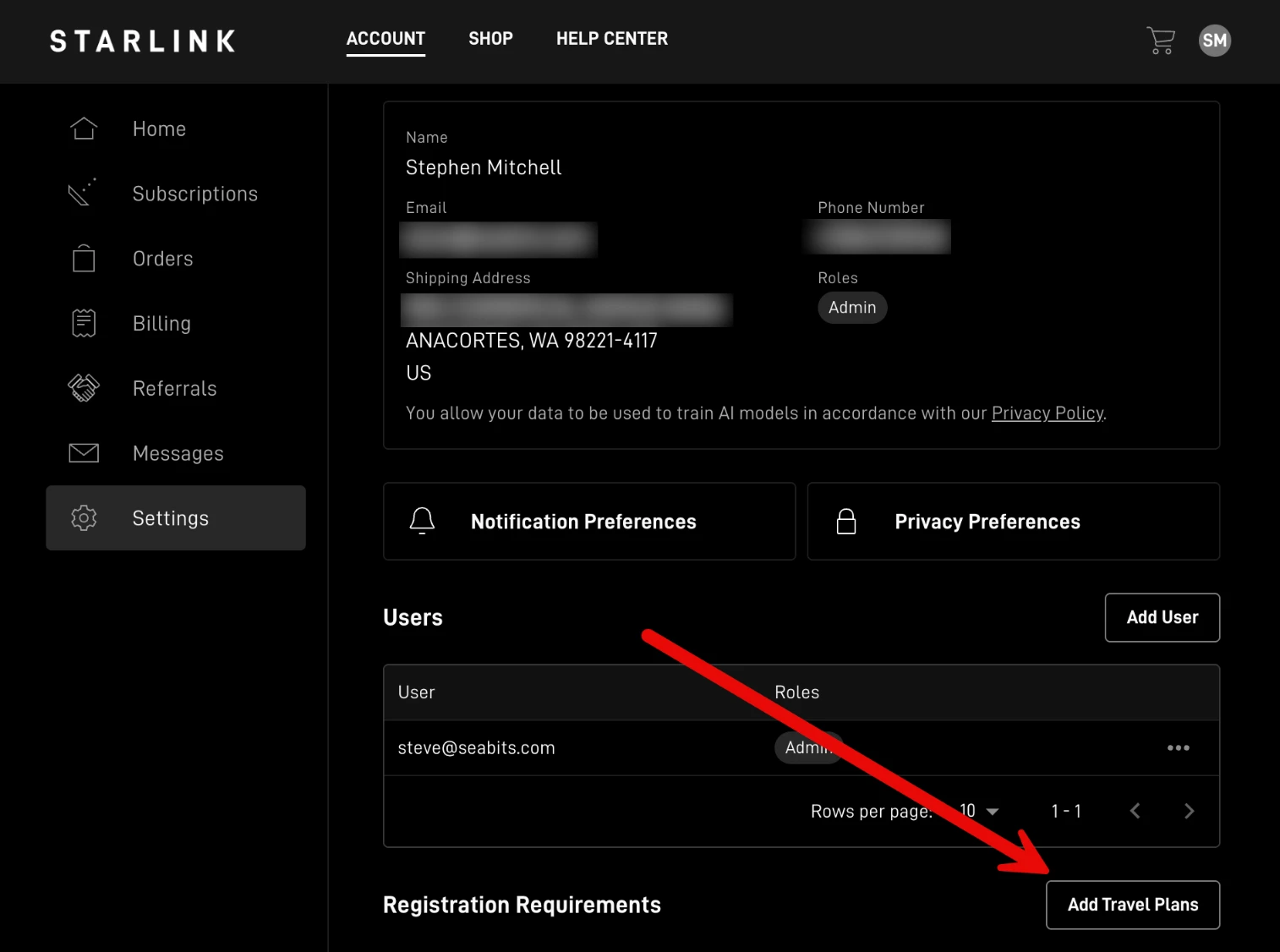
In May 2026, Starlink rolled out a new travel registration requirement for anyone using the service outside of their home country. It requires passport verification and a live selfie photo. The rollout is phased, but pre-registration is already available in your account under Settings. One report from a boater noted that service was suspended when the prompt appeared. Starlink does allow you to complete registration through the app even then, but that is not the situation you want to be sorting out from a remote anchorage.
The current roaming plans, which most boaters in the Pacific Northwest use, include 60 days of access outside of your home country, which covers most summer cruising seasons in BC. Starlink has also hinted at potential future changes to these plan terms, so it’s worth checking the current plan details before you go, in case they have changed.
If you plan on crossing the border, I highly recommend completing the travel registration process ahead of time. The registration takes about 10 minutes and is pretty straightforward. Better to have it done than have to deal with it remotely with potential connectivity challenges.
The router ties it together
Starlink has revolutionized how we connect on the water, but it goes down occasionally, and when it does, you want something ready to take over. A cellular router (I use a Peplink) is what turns a collection of connections into a managed, redundant setup. It manages Starlink and cellular as separate internet sources, monitors both, and fails over automatically when one has an issue. When Starlink goes down aboard Aruna, my network continues working and I remain connected.
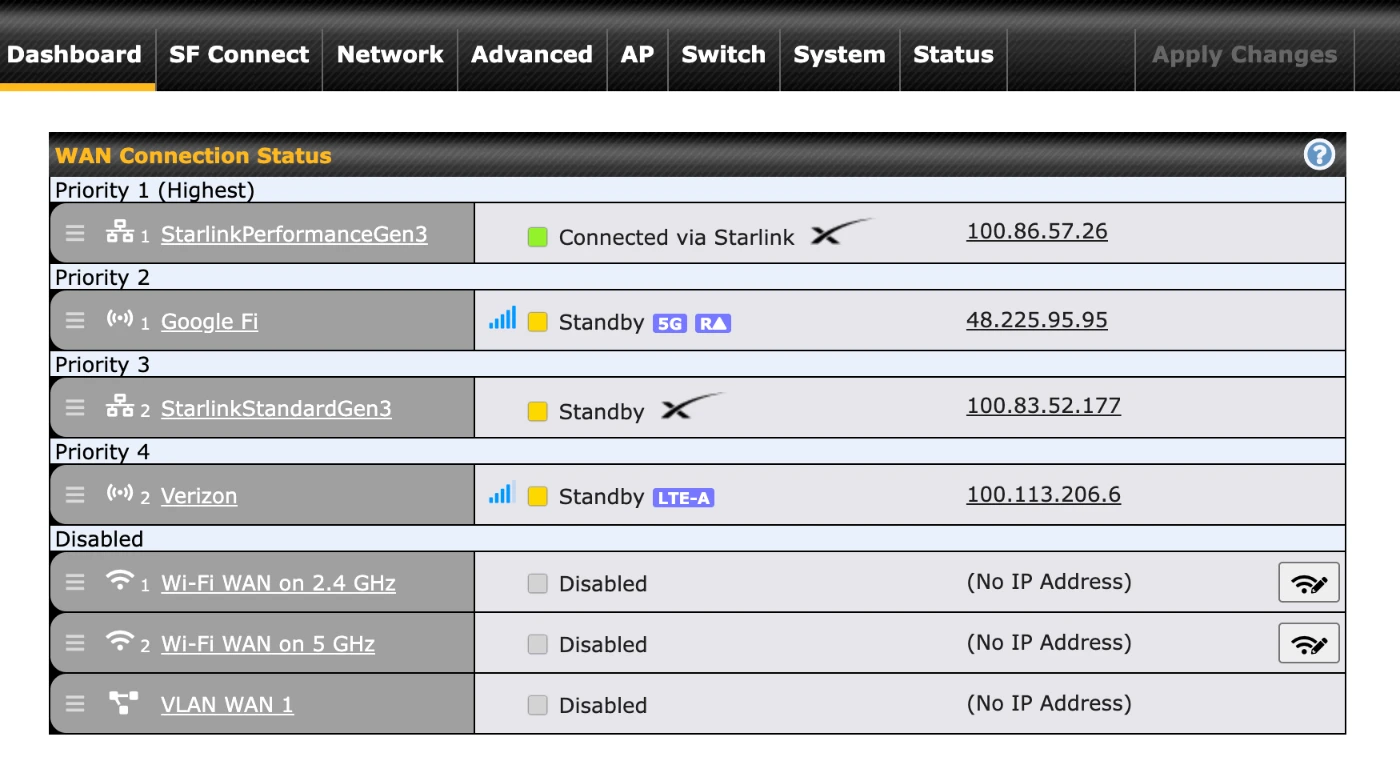
Peplink is the brand I know and use, but there are other cellular routers that do similar things. The key features to look for are dual-WAN (Wide Area Network) management, automatic failover, and support for both ethernet and cellular as WAN inputs. This is the piece of the stack most cruisers skip, and it’s the piece that actually makes everything else reliable.
Cellular backup and Canadian eSIMs
For US cellular coverage in the Pacific Northwest, the major carriers have solid coverage in most places, with T-Mobile being very good in the San Juan Islands. Check coverage maps for the specific anchorages you plan to use, as it can vary.
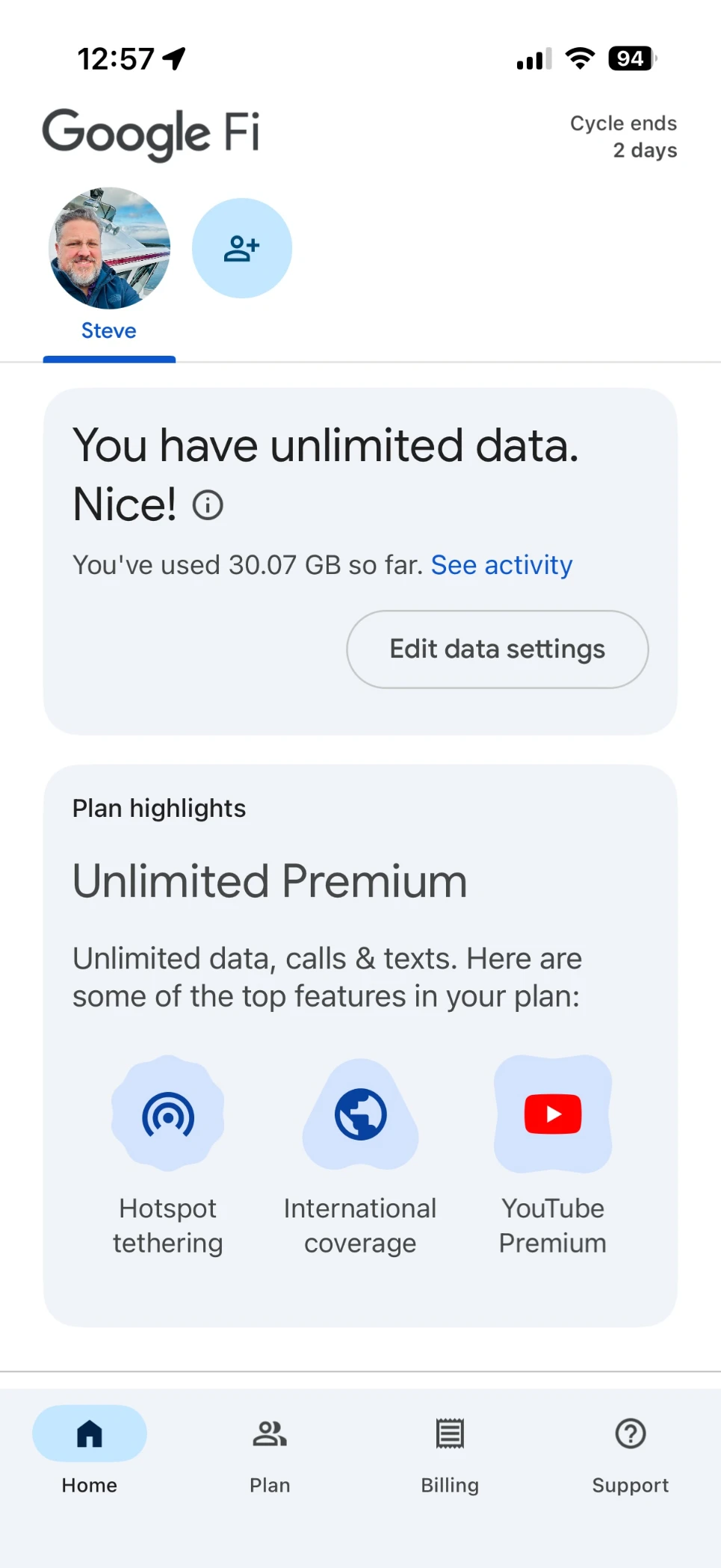
Once you cross into Canada, your US plan may roam, depending on what your carrier allows, but in most cases, the data allotment is tiny. This is where Google Fi can be a great option for an onboard router, or even as your primary cellular provider for your phones. Data in Canada on Google Fi is included at no extra per-gigabyte cost on the Unlimited plans. You can activate it before you leave, confirm it works, and have it sitting ready as your Canadian data option.
Other eSIM options, like Airalo, offer pay-as-you-go Canada data at reasonable rates if you prefer not to add a line.
Set it up before you go
Connectivity is one of those systems where the time to think about it is before the season, not when you’re anchored somewhere with no signal. The stack I’ve described here is not overly expensive or complicated to put together: Starlink as the primary, a cellular router to manage the WAN sources, and a cellular backup plan for when Starlink has an outage.
One other thing worth repeating: Given how often Starlink has changed its plans, pricing, and policies in 2026, redundancy is not paranoia, it’s just good seamanship. Build the stack, do the travel registration, get the cellular backup plan set up, and then go enjoy the summer cruising.